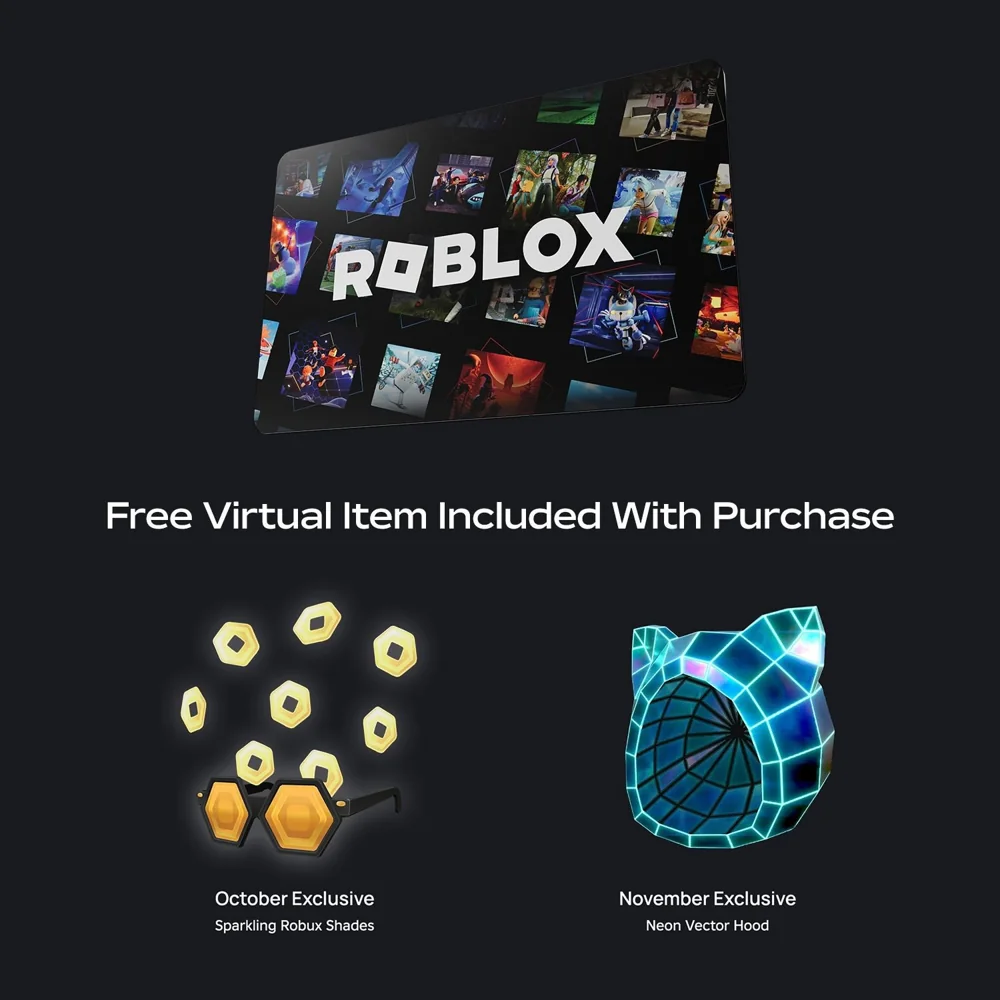
A virtual item reward is different from the currency or credit associated with a card. If you are investigating an accessory, start with the item name and account rather than the Robux balance. The monthly artwork supplied for this page is a visual example; it does not establish the current reward for a particular purchase.
Keep the item name with the purchase information
When an offer matters to you, save its item name, retailer, date, and written terms before purchasing. A card image alone may omit important context. The same artwork can be reposted long after the original promotion. If the picture says October or November without a year, do not assume it refers to the current month. A dated note gives you something concrete to compare with the result on your account.
Inspect the intended account
Check which account you used for redemption. In a household with several accounts, a familiar avatar or display name can be misleading. Confirm the username privately before inspecting the relevant inventory. Roblox’s virtual-item help explains how to find awarded items. Do not send another person your password so they can search your inventory, and do not post a complete card code alongside a missing-item question.
Do not assume every repeat card creates another copy
An accessory and a stored-value balance follow different rules. A second card is not evidence that the same accessory should appear as a second separate entry. Read the current item conditions rather than inferring them from the number of cards you hold. If you already own an item, compare what your inventory shows with the original offer description before deciding that redemption failed.
Prepare a focused support question
Describe the expected item, the offer source, the redemption date, and the account involved. Begin through verified support instructions and provide private evidence only when the official process asks for it. A concise question such as “I expected this named accessory from this offer” is easier to investigate than a general claim that all rewards are missing. Robux World has no access to inventory or card-redemption records.
Your practical checklist
- Save the exact item name and promotion dates.
- Check the correct account and inventory.
- Read repeat-redemption conditions.
- Keep PINs out of public support posts.
Is the October item in this picture currently available?
The supplied artwork does not establish current availability. Check the live official offer and its dates.