01 / DISCOVER
Start with the basics
Understand gift cards, credit, and Robux before making a decision.
Big possibilities. Clear guidance. Explore Roblox gift cards, understand your credit, and learn how to make your next move safely.
Less guesswork. More understanding.
Get to know the essentials.
Understand Roblox gift cards before you give or redeem one.
Explore the guide ↗UNDERSTAND YOUR BALANCELearn how Roblox credit works and how it differs from Robux.
Explore the guide ↗PLAY SMARTERLegitimate ways to get Robux, plus essential account safety tips.
Explore the guide ↗Reference images only. Printed amounts, currencies, bonus offers, and packaging are not verified current offers or available inventory. Robux World does not sell these cards.
Third-party link · Offer unverified. Robux World does not guarantee free cards or endorse the offer. Review the destination’s terms before participating.
Understand gift cards, credit, and Robux before making a decision.
Read the card terms and official redemption guidance. Check the account you want to use.
Redeem eligible codes on Roblox’s official website. Robux World never asks for your code.
A prepaid card or digital code for eligible value on Roblox. Check the card’s terms, currency, and redemption details before buying.
Eligible gift cards add Roblox credit, which can be used to purchase Robux. Some cards, including Amazon and Party Packs cards, redeem directly for Robux instead of credit.
Credit is a monetary balance on your Roblox account. It is different from Robux, the virtual currency used within Roblox.
Use roblox.com/redeem in a web browser and sign in to the intended Roblox account. Never enter your code on Robux World.
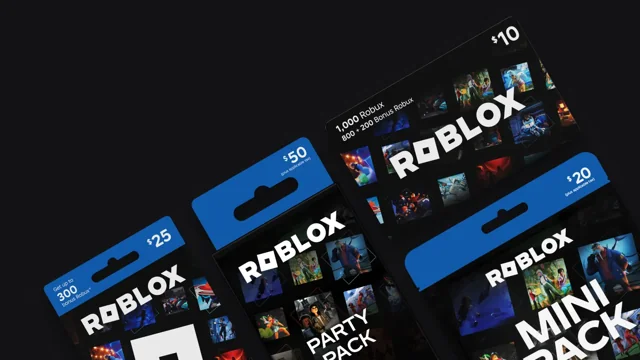
Learn how to redeem a Roblox gift card in a browser, choose the correct account, and check whether you received credit or Robux.
Read the guide ↗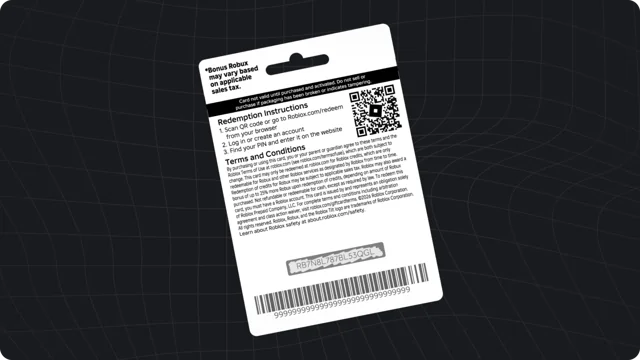
Troubleshoot a Roblox gift card redemption error, check confusing characters, and prepare useful details for official support without exposing your code.
Read the guide ↗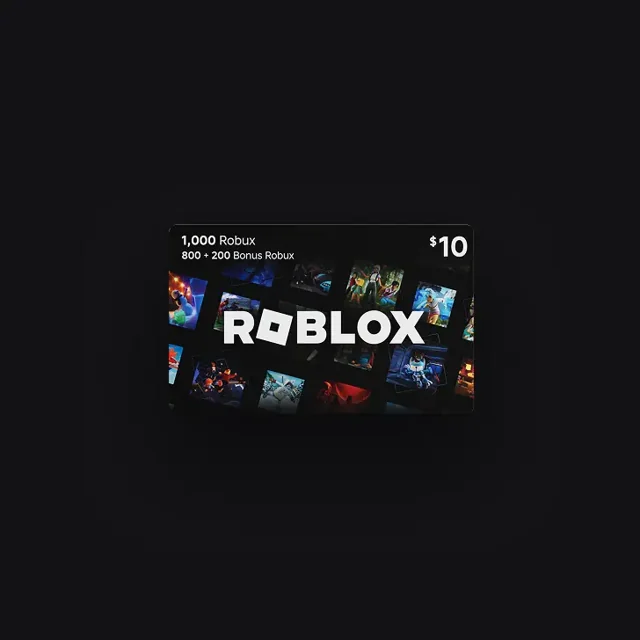
Find your Roblox credit in a browser, understand why it may not appear in the app, and review the next steps before spending your balance.
Read the guide ↗