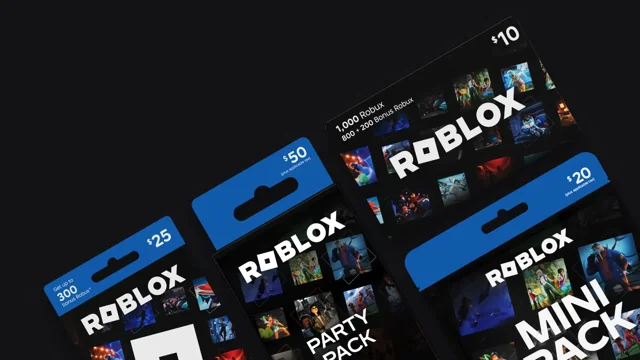
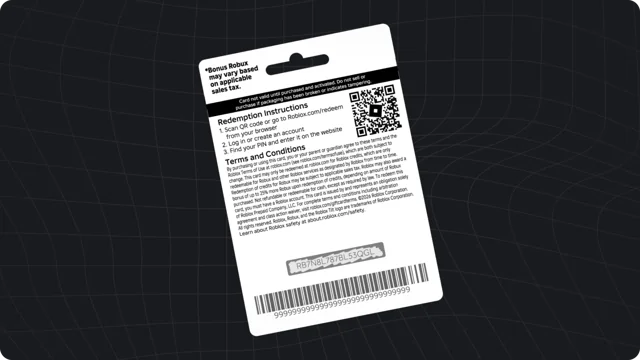
A redeemed card may add monetary credit rather than Robux straight away. Knowing which balance you are checking helps avoid an unnecessary second purchase or a mistaken support request.
Check in a browser
Sign into the account that received the card. On Roblox’s gift card redemption page, look for Available Credit, or check the credit entry in billing settings. Roblox explains that credit is not displayed throughout every account page and cannot be viewed or spent in its mobile apps.
Credit is different from Robux
Credit is a monetary balance; Robux is virtual currency. Compare the balance label before deciding that value is missing. Keep a private note of which account received each family gift. Our credit vs. Robux comparison explains the difference without assuming a fixed exchange rate.
Review the spending options
Follow the options Roblox displays for the available balance. Check the package and confirmation screen before approving a purchase. Roblox’s support documentation says credit cannot be split with another payment method for the same purchase. Do not assume an unrelated payment card will automatically cover a shortfall.
If the balance looks wrong
Confirm the username and whether the code was a direct-Robux product. Revisit the original redemption confirmation if you have it. Avoid redeeming another card just to test an account. For a persistent discrepancy, contact official support and keep purchase evidence private.
Plan the next purchase
Decide what you want to spend before converting or using credit. A remaining balance is not a reason to buy something you did not intend to buy. Parents and players can review the total together and keep the original gift budget clear.