An error message is a reason to slow down and check the details, not to share your code with a stranger. Keep your original card, receipt, and delivery message while you work through the issue.
First, read the error carefully
Write down the wording and the time it appeared. Check that you are on Roblox’s own redemption page and signed into the intended account. A third-party “code checker” is not a safe substitute for official redemption or support.
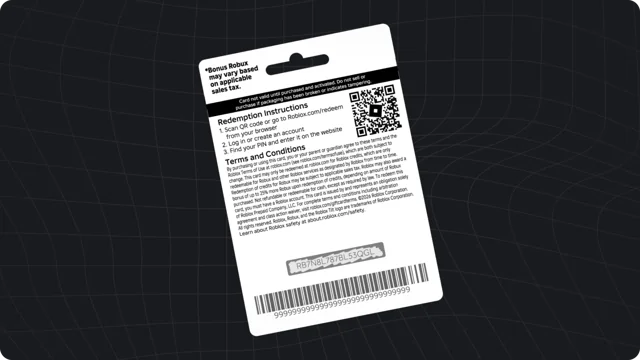
Check characters that look alike
A zero can resemble the letter O, and a one can resemble a capital I. Compare the code with the original print or delivery message rather than a forwarded screenshot. Roblox lists common lookalike characters in its support guide. Avoid random repeated guesses if the print is damaged.
Separate missing delivery from failed redemption
If you never received a digital card, check the original order confirmation and the retailer’s stated delivery process. Contact the seller through its official support channel about a missing delivery. If you have the code but Roblox rejects it, keep the card details for Roblox Support. Those are different problems and may involve different teams.
Prepare a private support request
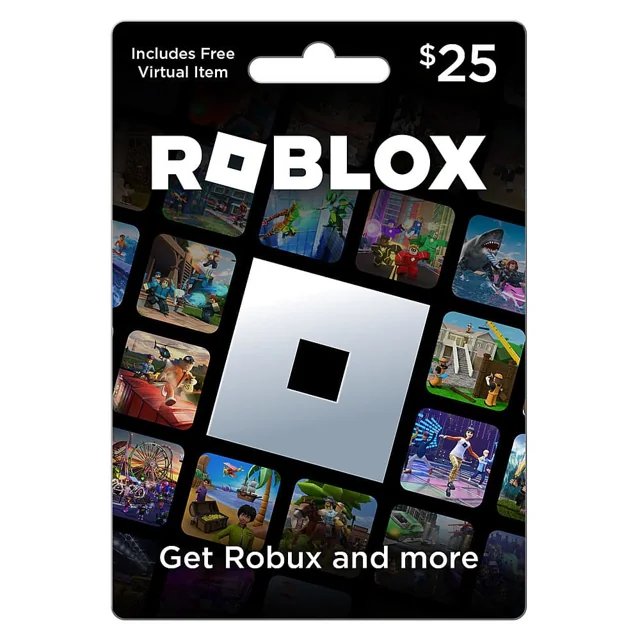
Keep the receipt, purchase details, card serial number, and error screenshot available. Roblox may request further evidence through its official support process. Provide sensitive details only through that verified channel, never in public posts or to an unsolicited helper. Robux World cannot validate or replace codes.
Check what was added
If redemption succeeded but the Robux balance did not change, review your credit balance. Credit and Robux are separate, and the card type determines the initial result.