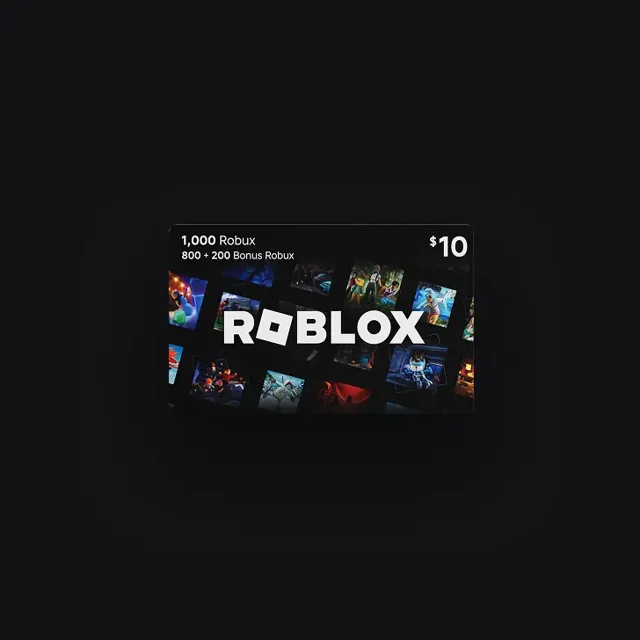
A gift card is easier to use when you know where to enter the code and what to expect afterward. Start with the account that should receive the gift, then redeem through Roblox itself. You never need to give Robux World your password or PIN.
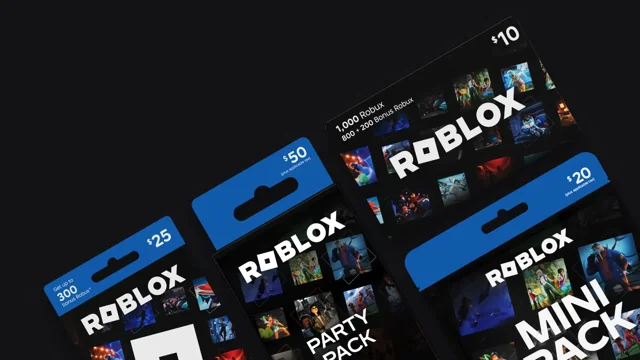
Before you begin
Have the card or original digital delivery message ready. Check the intended recipient’s username rather than relying on a display name alone, especially on a shared device. If you are helping a child, sit together and confirm which account they actually use. Keep the receipt or order confirmation somewhere private.
Redeem through the official website
Open roblox.com/redeem in a browser. Sign in, enter the gift card code, and choose Redeem. Read the confirmation before closing the page. Roblox also provides a redemption option for supported Samsung Galaxy app users; a browser is the straightforward starting point across devices.
Understand the result
The result depends on the card. Eligible gift cards add credit; some codes redeem directly for Robux. Seeing credit instead of a higher Robux balance does not necessarily mean something went wrong. Read our credit overview before choosing a spending option.
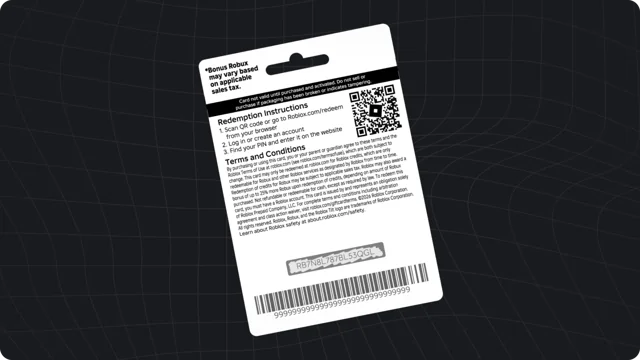
If the code does not work
Recheck the characters and follow our troubleshooting checklist. Do not post the code in a forum, comment, or screenshot asking strangers to test it. For unresolved errors, use official Roblox Support.