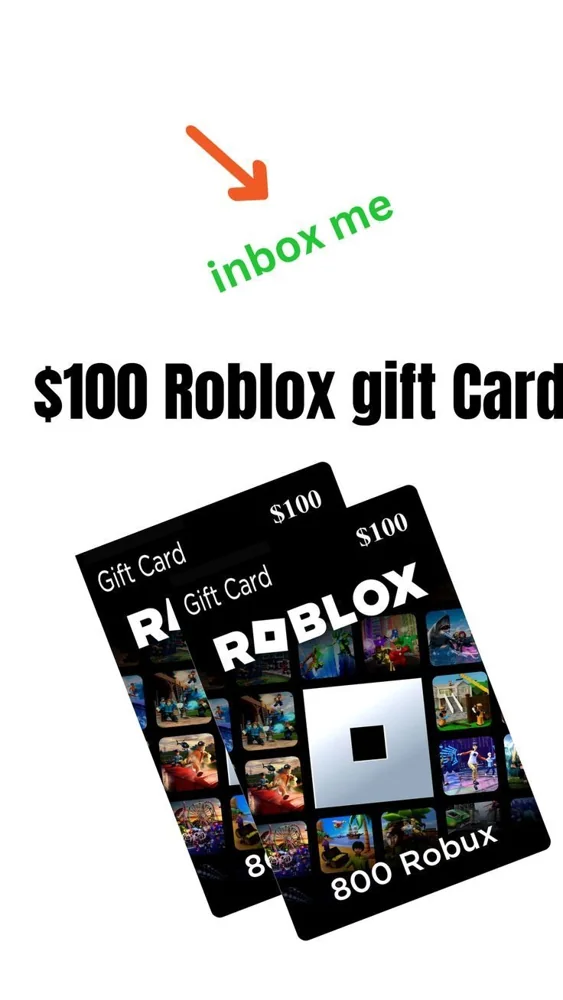
There is no live price feed behind this calculator. Enter the USD price and Robux quantity you actually see on a current purchase screen, then choose your budget. The tool compares those inputs; it does not predict a bonus, convert creator earnings, or sell a product. The supplied image contains conflicting-looking value labels and is included to show why an image should not be used as a rate quote.
Compare your own quote
Enter figures from the same current offer. No live rate is supplied.
Arithmetic only. Excludes any costs not included in your input. No purchases or account data.
Collect a quote before using the tool
Use one clearly identified purchase route and the same account context. Copy the full USD price you are comparing and the displayed quantity into your own notes. If taxes or another charge are not included in that figure, account for them before treating the result as a spending limit. Do not use a face value from one card and a Robux number from an unrelated advertisement as if they belong to the same offer.
Understand the three calculations
Robux per dollar equals the quoted Robux divided by the quoted USD cost. Affordable whole packs equals your budget divided by the cost, rounded down. Estimated pack quantity equals whole packs multiplied by the quoted quantity. Leftover budget is your budget minus the cost of those whole packs. These are arithmetic comparisons, not a promise that a seller offers repeatable packs or that the quote remains available.
Use whole packs rather than an imaginary fractional purchase
If your budget is below a pack price, the tool shows zero whole packs. It does not assume you can buy part of a pack at the same rate. If you compare another route, enter that route’s actual numbers and label your notes. Keep one-time and recurring purchases distinct. No number displayed by this tool authorizes a purchase or establishes a guaranteed amount that Roblox will deliver.
Keep your decision separate from the result
A favorable ratio does not make an unknown seller trustworthy or an optional purchase necessary. Check seller identity and terms before spending anything. Younger players should plan with a parent or guardian. The calculator runs locally in your browser and does not ask for account details, a PIN, or payment information. Clear or change the inputs whenever the quote changes; there is no saved live rate to rely on later.
Your practical checklist
- Use a current quote from one identified route.
- Enter USD cost and Robux from the same offer.
- Account for taxes and recurring terms separately.
- Treat the result as arithmetic, not a purchase promise.
Does this calculator know the current official Robux price?
No. You supply the figures. It has no live price feed, checkout connection, or guaranteed conversion rate.