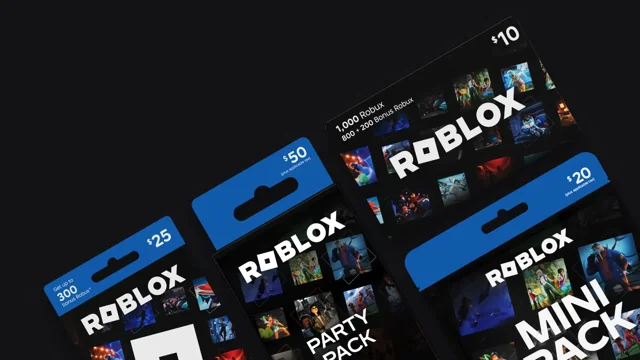
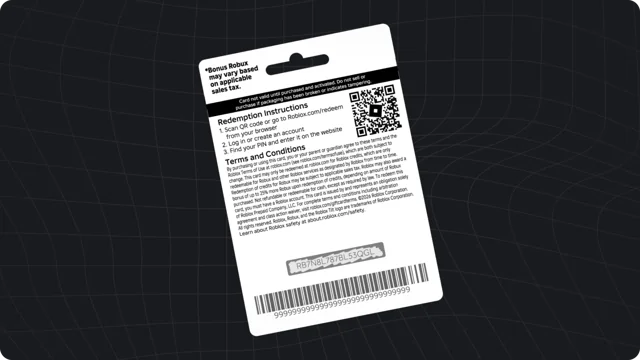
A currency symbol in a photo is useful context, but it is not a complete product description. Before sending a gift across borders, check the actual listing, the recipient’s account, and the current Roblox terms.
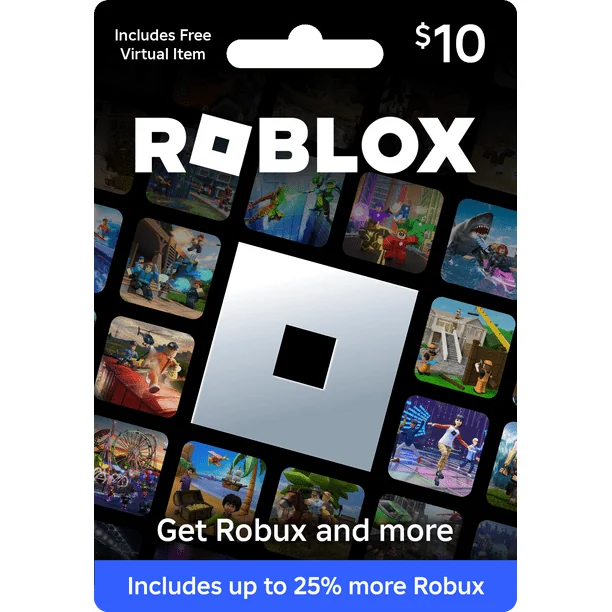
Separate the photo from the product
A retailer can update a product listing while older images remain online. Read the title, currency, denomination, and redemption information rather than choosing solely from the artwork. On Robux World, card photographs are educational references and are not an inventory list or a promise of availability.
Understand account currency conversion
Roblox’s redemption help says codes can be redeemed worldwide and that gift card value converts to the account’s local currency. Review Roblox’s current gift card terms for conversion details. That does not mean you should assume the same displayed number in two currencies has the same value.
Check the seller’s transaction terms
The retailer’s payment currency, billing requirements, delivery method, and return terms are separate from Roblox’s redemption process. Read those details before paying. If a listing is unclear about what is delivered, ask the seller through its official support channel rather than assuming it matches another country’s version.
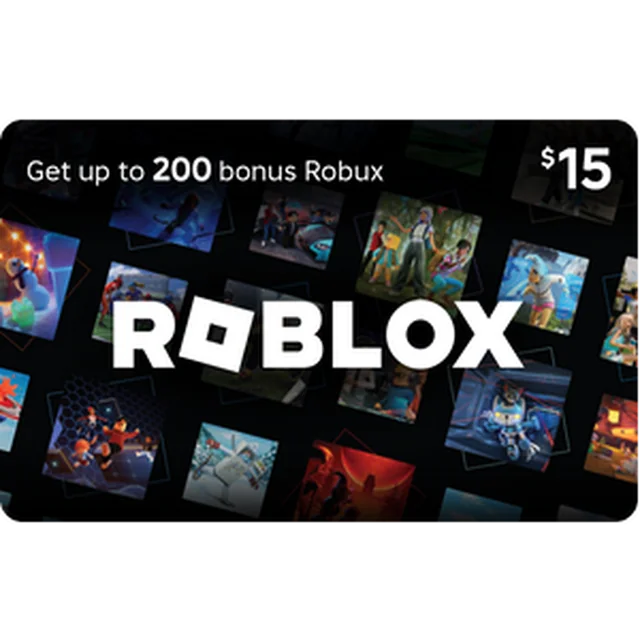
Do not promise a fixed Robux result
A monetary amount and a Robux amount are different measurements. The product type and Roblox’s available purchase options matter. For a gift, describe the purchased card accurately rather than quoting a conversion table found in an old blog or social post.
Keep the recipient involved
Ask the recipient or their parent to check their account setup before the purchase. Keep the original seller confirmation and redeem only through the official process. If there is a mismatch, seek official help before buying a second card as a workaround.