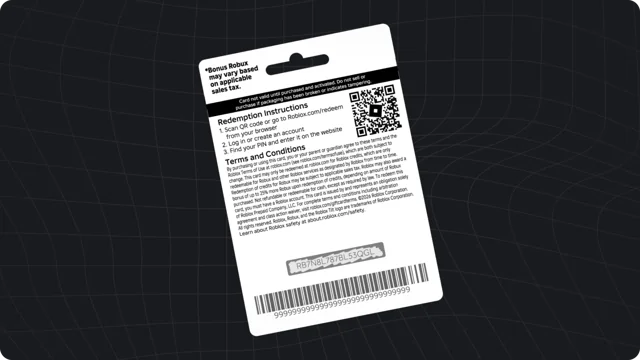
A gift card can make the starting amount of a gift clear, but the useful conversation happens before redemption. Decide what the gift covers, who will help redeem it, and how your family will handle requests for more.

Agree on the budget first
Choose an amount that fits your family’s plans rather than a promotional label or another player’s request. Explain whether the gift is for one occasion or part of an ongoing allowance. If the child wants a particular item, look at the actual purchase screen together instead of promising that a certain card will cover it.
Confirm the right account
Ask the child to show you the account they use. On a shared computer or tablet, a sibling may already be signed in. Read the username together before redeeming anything. Keep the receipt and record the intended account privately; do not post card images with visible codes.
Review current safety controls
Roblox provides parent resources and account controls, which can vary with age, region, and account setup. Start at the official Safety Center and follow the current instructions there. Avoid relying on an old tutorial that describes a button your account no longer has. A gift card does not replace ongoing supervision or a conversation about spending.

Talk about suspicious offers
Explain that a stranger does not need the child’s password or gift card PIN to send a legitimate message. Agree that offers requiring secrecy, urgency, or account access should be brought to an adult. Our scam warning signs page provides a short discussion checklist.
Check in after redemption
Ask what balance appeared and what the child plans to buy. Review the confirmation together before spending. If something fails, use the seller or Roblox’s official help channels rather than social-media “recovery” accounts. Robux World provides education and cannot recover accounts, money, or codes.